What should be recorded first?
🧭 Answer lookup
Direction answer
Enter the Braille number and light to calculate the direction, then repeat the stage and result.
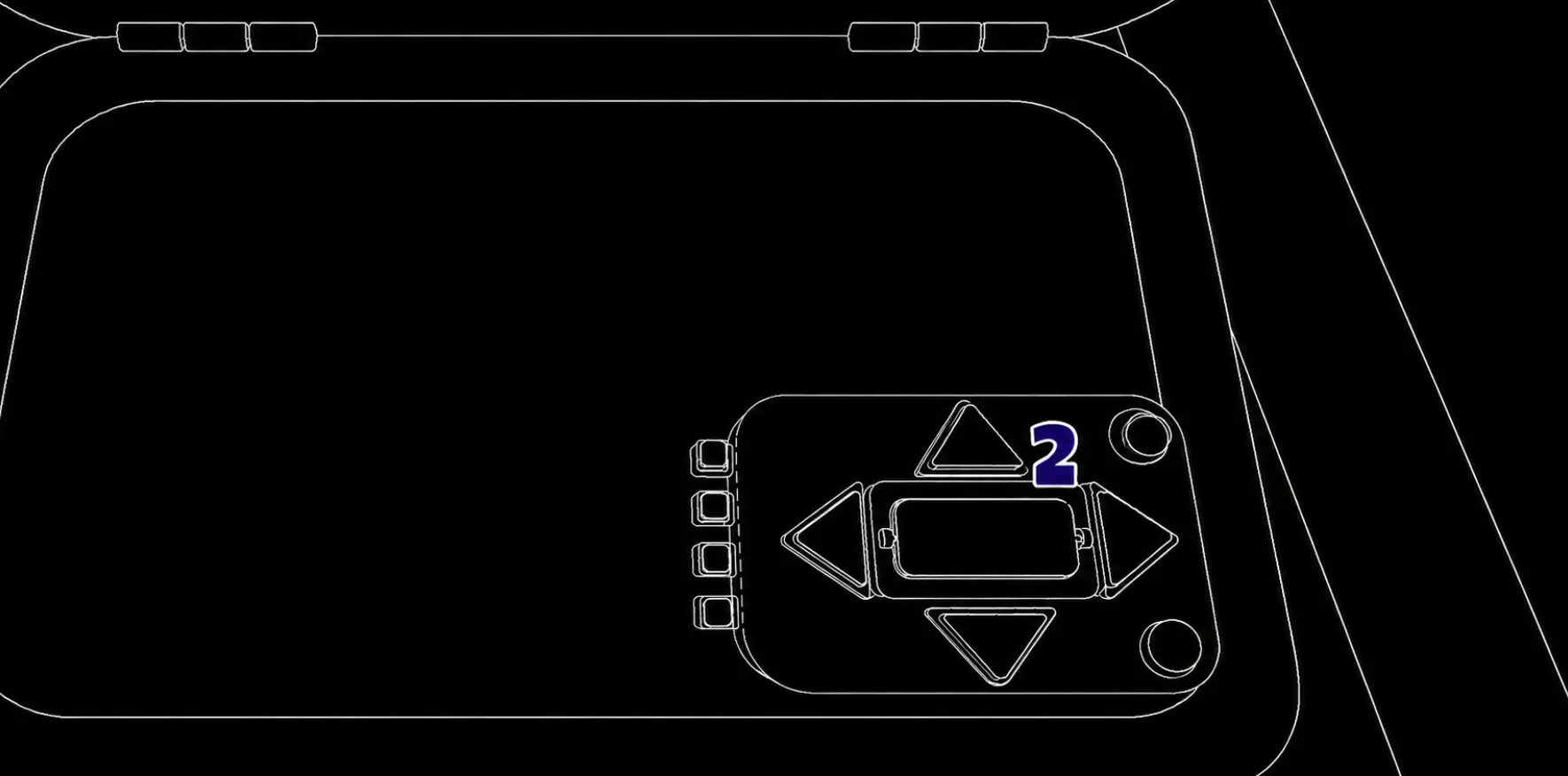
Record the current stage, orientation, numbers or dot pattern, and any Braille or LED clue. Repeat the sequence once before interpreting it.
Quick answer: how do you solve Direction?
Read the current Braille number and indicator-light color together, then describe the arrow or dot layout and wait for the manual result. The operator repeats the returned direction with its stage before pressing. The arrow that looks obvious is not necessarily the answer, so never skip the number, light, or stage.
How do I avoid a stage-order mistake?
Keep a numbered note for every stage and cross it out only after the panel confirms it. If the panel changes, read the new state again.
What is the direction rule?
The direction panel uses the Braille number together with the indicator-light color. Read the full arrow or dot layout, but do not assume the answer is simply the arrow that points the same way.
Record the Braille number first, then the light color, then the arrow layout. The operator should wait until the interpreter states the resulting direction. If the panel advances to another stage, discard the previous direction and repeat the same three-field read.
Direction lookup
Use the current Braille number and LED together. The practice panel calculates the direction so the team can repeat the final instruction before pressing.
Use this compact table with the same read order shown in the walkthrough. 🔢 Read the Braille number, 💡 read the LED, then ✅ repeat the arrow before pressing.
| Braille number | Red | Blue | Green | Yellow |
|---|---|---|---|---|
| 1 or 4 | Up | Right | Left | Down |
| 2 or 7 | Right | Down | Up | Left |
| 3 or 5 | Left | Up | Right | Up |
| 6 or 8 | Up | Left | Down | Right |
| 9 | Down | Up | Left | Right |
What is the direction readback checklist?
Before an input, the interpreter should read back the Braille number, indicator-light color, arrow or dot layout, and target direction. The operator repeats the target direction and its stage number. This separates the clue from the decision and makes a wrong stage easy to catch.
| Field | Record |
|---|---|
| Stage | Current stage number |
| Braille / number | Exact value, not an estimate |
| Indicator | Light color or state |
| Layout | Arrow or dot positions |
| Decision | Direction to enter |
If any field is missing, ask for a reread instead of selecting the most obvious arrow. Link to the roles guide when the team needs one person to give the final call.
For practice, open the Module Solver after recording the current fields, then use Level Lookup to see when Direction is expected in the campaign. The solver is a second check for entered state; it does not replace the live panel or manual.