Quick answer
🎚️ Chaos monitor
Slider state board
Track the continuously rising slider and keep the pull-down instruction visible to the whole team.
Record the slider state, then get one safe next action.
🎚️ Watch cue: track the rising slider → ⚠️ pull it down → 🔁 report the new state → return to the active module.
Slider is a Medium Chaos module. Its slider rises continuously; pull it down and keep doing so until the bomb is fully defused. The reference lists a 4 × 2 footprint and a first fixed appearance at Level 4.
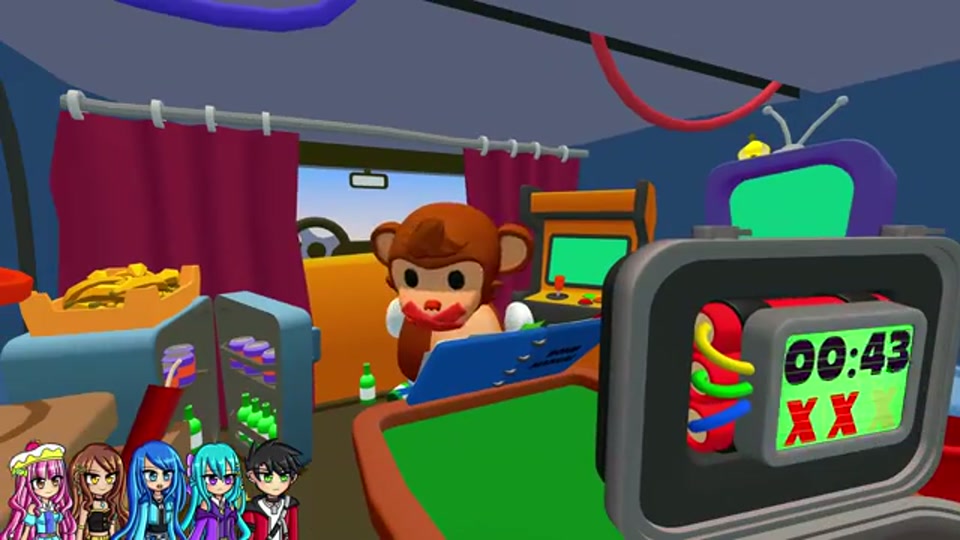
A practical control loop
- Name the slider’s current position or state.
- Pull the slider down before it reaches the danger area.
- Report the new state and return to the next normal module.
- Keep one player watching it until defusal completes.
When Slider interrupts another module
Treat Slider as a recurring state, not a completed button press. The monitor should call rising, corrected, or near danger; the operator should move it once and report the new state. The manual reader can continue preparing the normal module, but should not issue the next action until the monitor says the slider is stable. If the team cannot hear both calls, pause the normal module and rebuild the communication packet.
| Situation | Team response |
|---|---|
| Slider is stable | Continue the current module with one caller |
| Slider is rising | Pause the next input and assign the correction |
| Slider was corrected | Say the new state, then return to the module |
| Slider state is unclear | Stop both tasks and reread the panel |
If the slider changes while another player is speaking, finish the sentence, then repeat the new state. Multiple simultaneous corrections create more risk than a deliberate two-second pause.
Team and level preparation
The beginner guide explains why Pressure, Slider, and Alarm remain active until defusal. Use Level Lookup to see when Chaos load increases, and compare the Pressure guide with Alarm for the same monitor-and-confirm rhythm. In a three-player group, keep one person responsible for hazard continuity and do not swap without a handoff.
Mistakes to avoid
- Calling a slider “done” after one successful movement.
- Giving a position without saying the direction or target.
- Letting every player make a correction at once.
- Ignoring the timer because the slider looks stable for one moment.
The reference lists 16 fixed appearances. A later patch may change thresholds or timing. When in doubt, follow the live module instruction.